


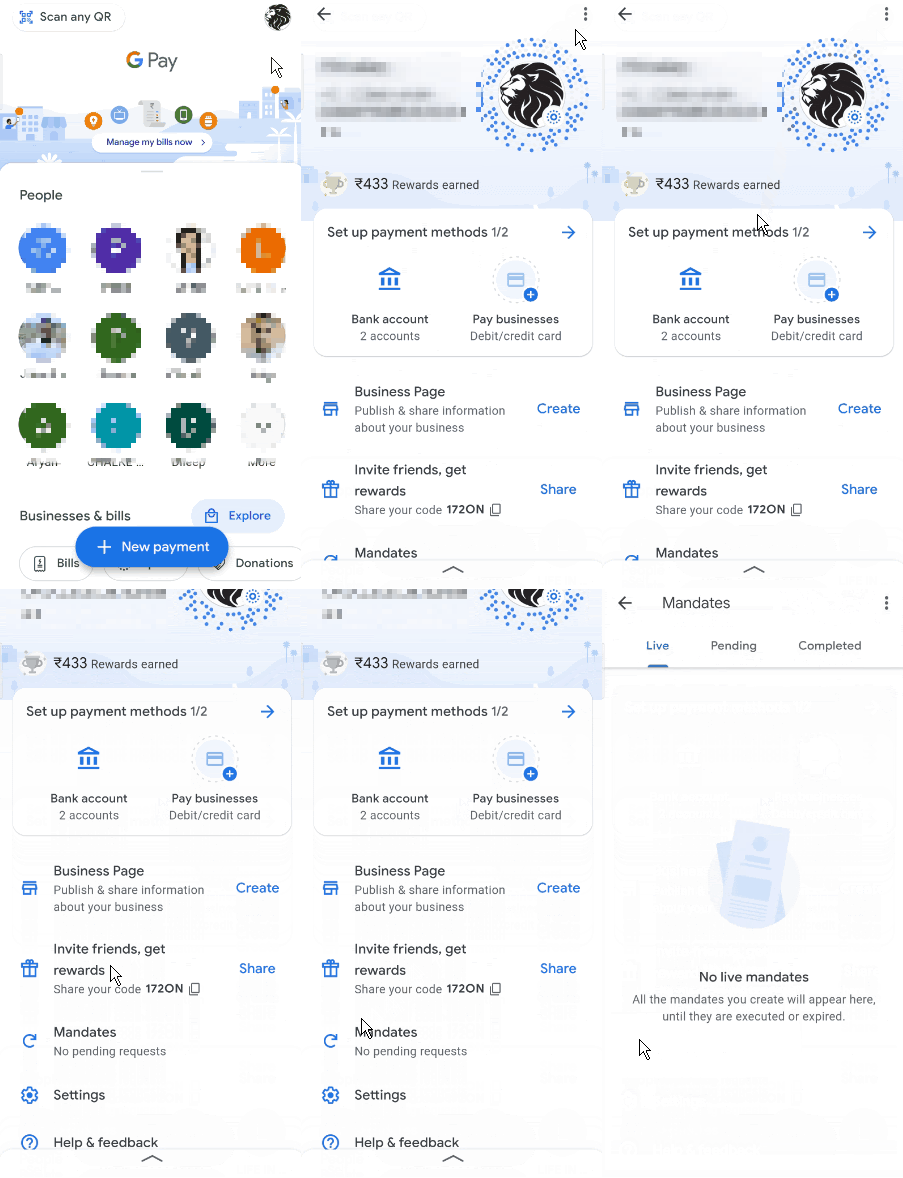
You will receive a notification from Google Pay after you apply for an IPO through Kite. Alternatively, you can find the mandate by tapping on Profile and then on Autopay .
To find the mandate
- Tap on Profile in the top-right corner of the home screen and scroll down to find Mandates .
2. Find the mandate in the Pending column.
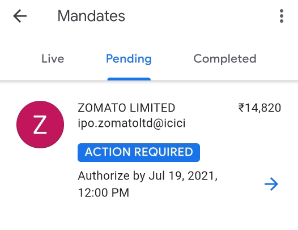
3. Tap on the mandate to authorise it and accept the mandate request by entering your UPI PIN to validate your application. You can verify your IPO application number by checking your registered email address. The application number will include your 6-digit Zerodha client ID.
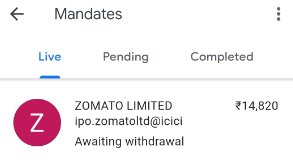
4. Once you approve the mandate, you can track it in the Live column under Mandates .
If you have not received the UPI mandate, write to NPCI at [email protected] with your application number.