


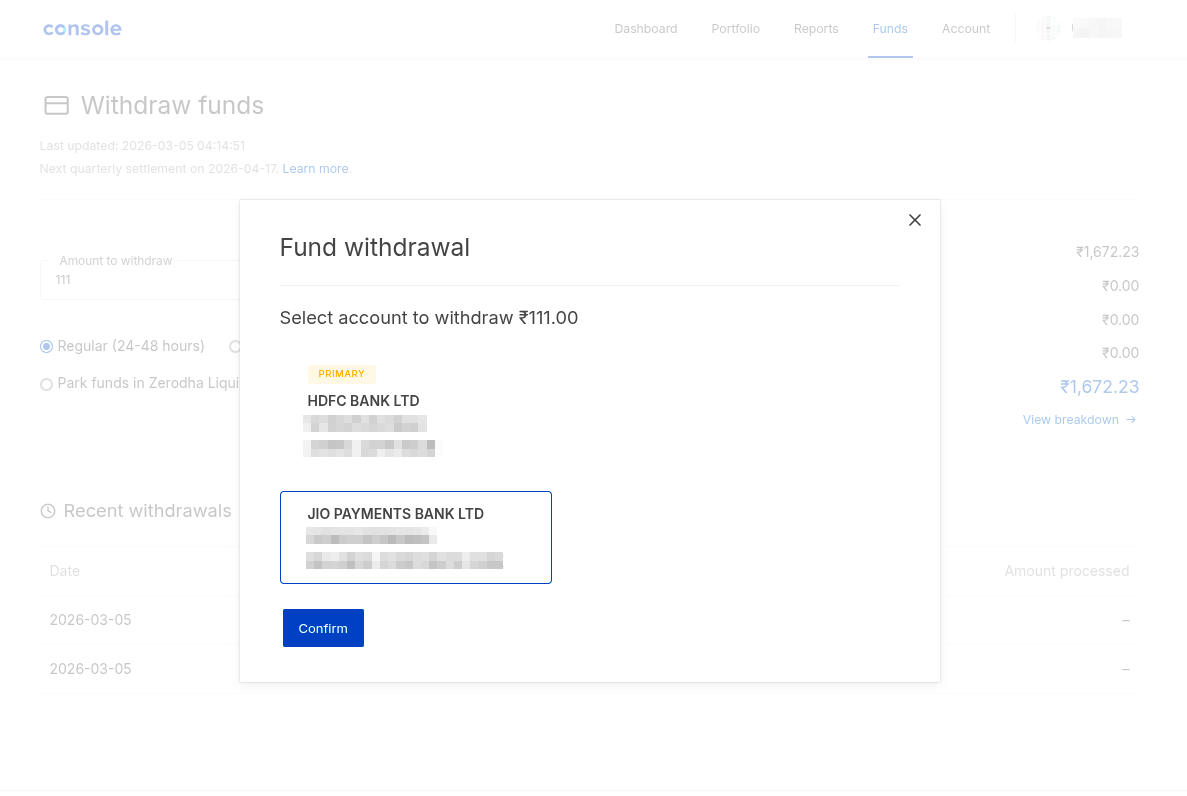
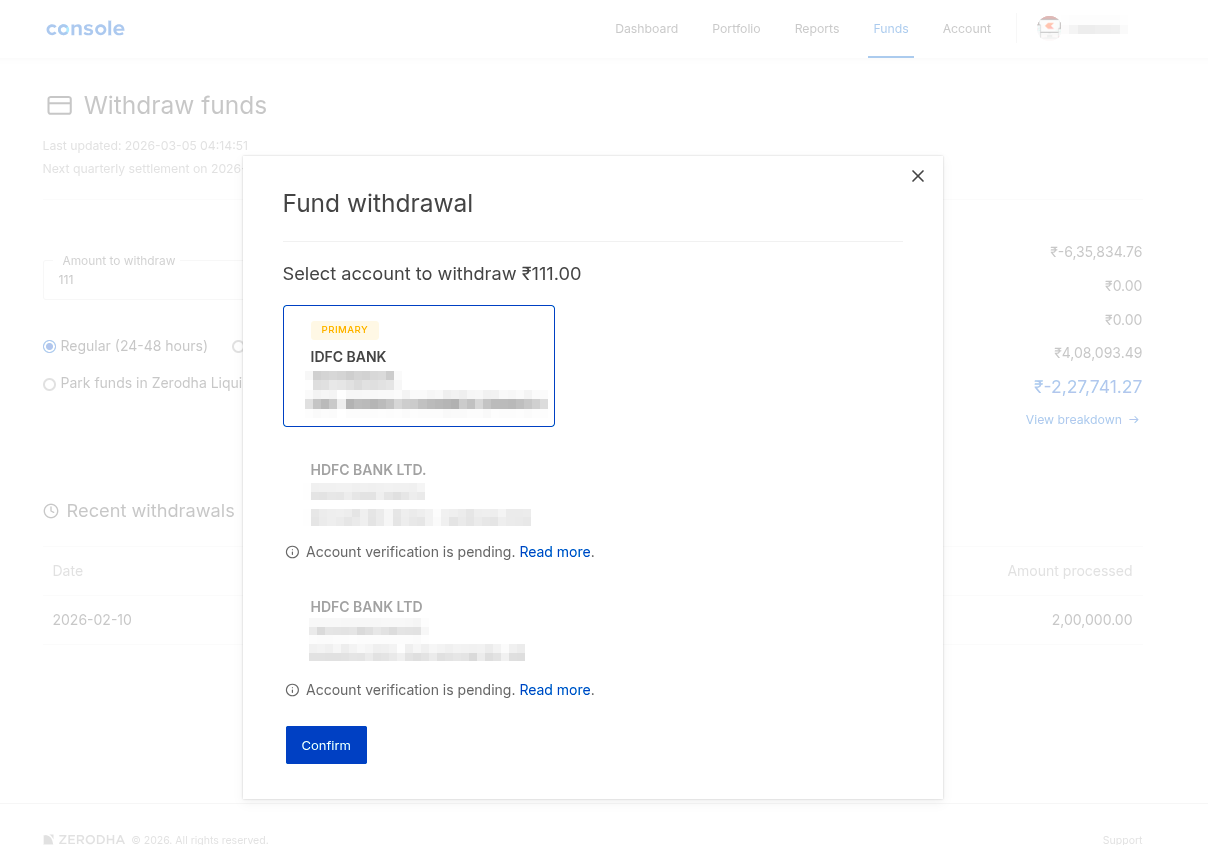
When you withdraw funds, you can choose which bank account you want to receive the money: your primary or secondary bank accounts. Zerodha only pays out to bank accounts verified through a penny drop, which confirms that the account belongs to you.
What is a penny drop?
A penny drop is a verification process where Zerodha credits a nominal amount to your bank account to confirm that the account is valid and belongs to you. Only penny-drop-verified accounts are available for withdrawal.
If your bank account is not yet penny-drop-verified, you will see Account verification is pending. You will not be able to withdraw to this account until verification is complete.
To verify your bank account:
- Visit console.zerodha.com/account/bank.
-
Tap or click on the pencil icon.
- Enter your bank account number and IFSC code, and accept the terms and conditions.
- Select whether you want to receive the OTP via email or mobile, and click on Send OTP.
- Enter the OTP and click on Verify.
Once verified, the account becomes available for withdrawal. There are no charges for penny-drop verification.
How to withdraw to a verified bank account
- Open Kite app or Kite web and navigate to funds section.
- Tap or click on Withdraw.
-
Enter the amount and select the bank account you want to withdraw to: primary or secondary bank accounts.
- Tap or click on Confirm.
Why is a bank account not available for withdrawal?
A bank account may be unavailable for withdrawal if: