


You can backtest your chart patterns and indicators using the Chart to Backtest (CTB) feature, powered by Streak. This feature converts your plotted charts and indicators into conditions and generates backtest results.
To use the backtest feature:
- Open your chart on Kite app or Kite web.
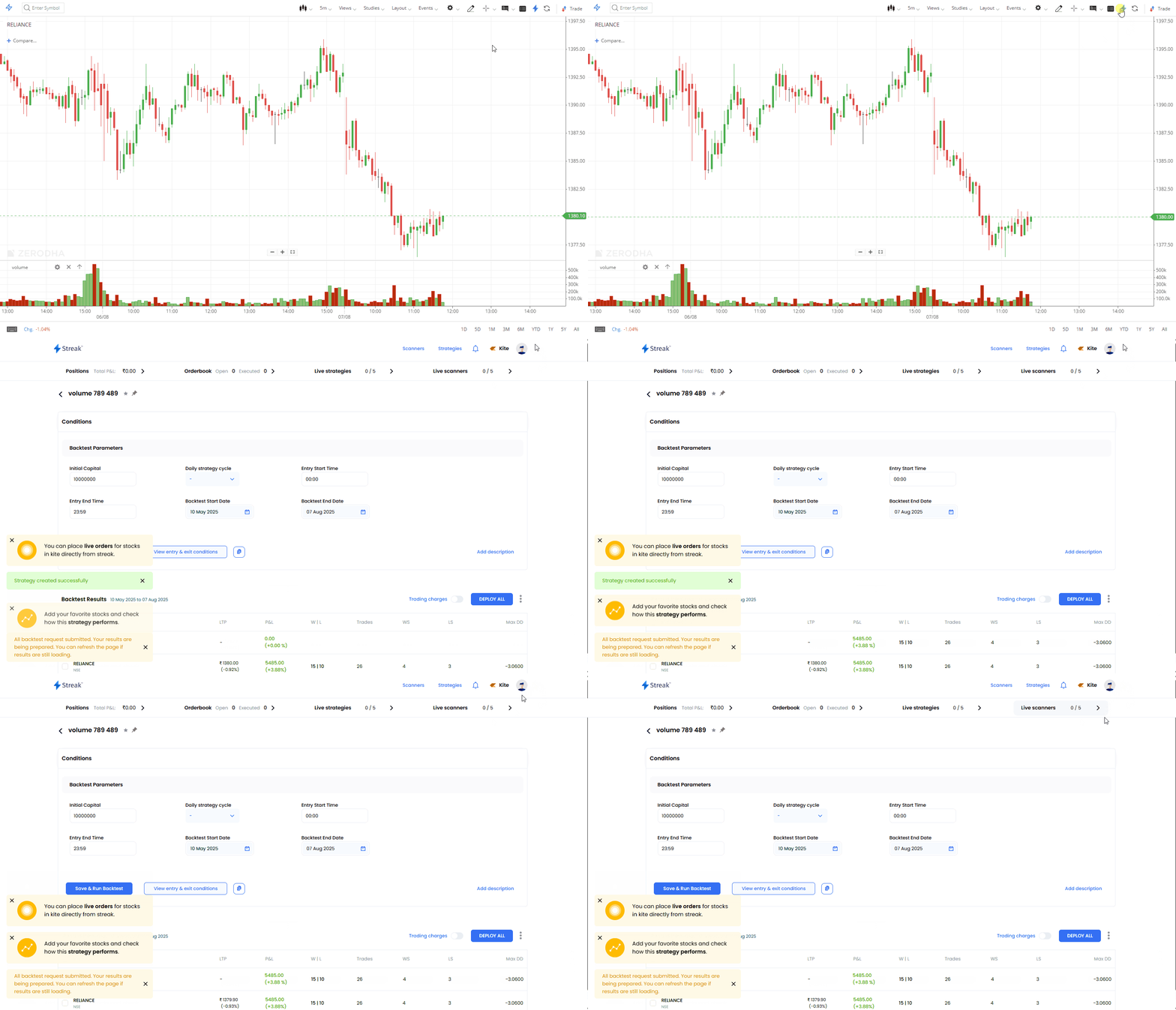
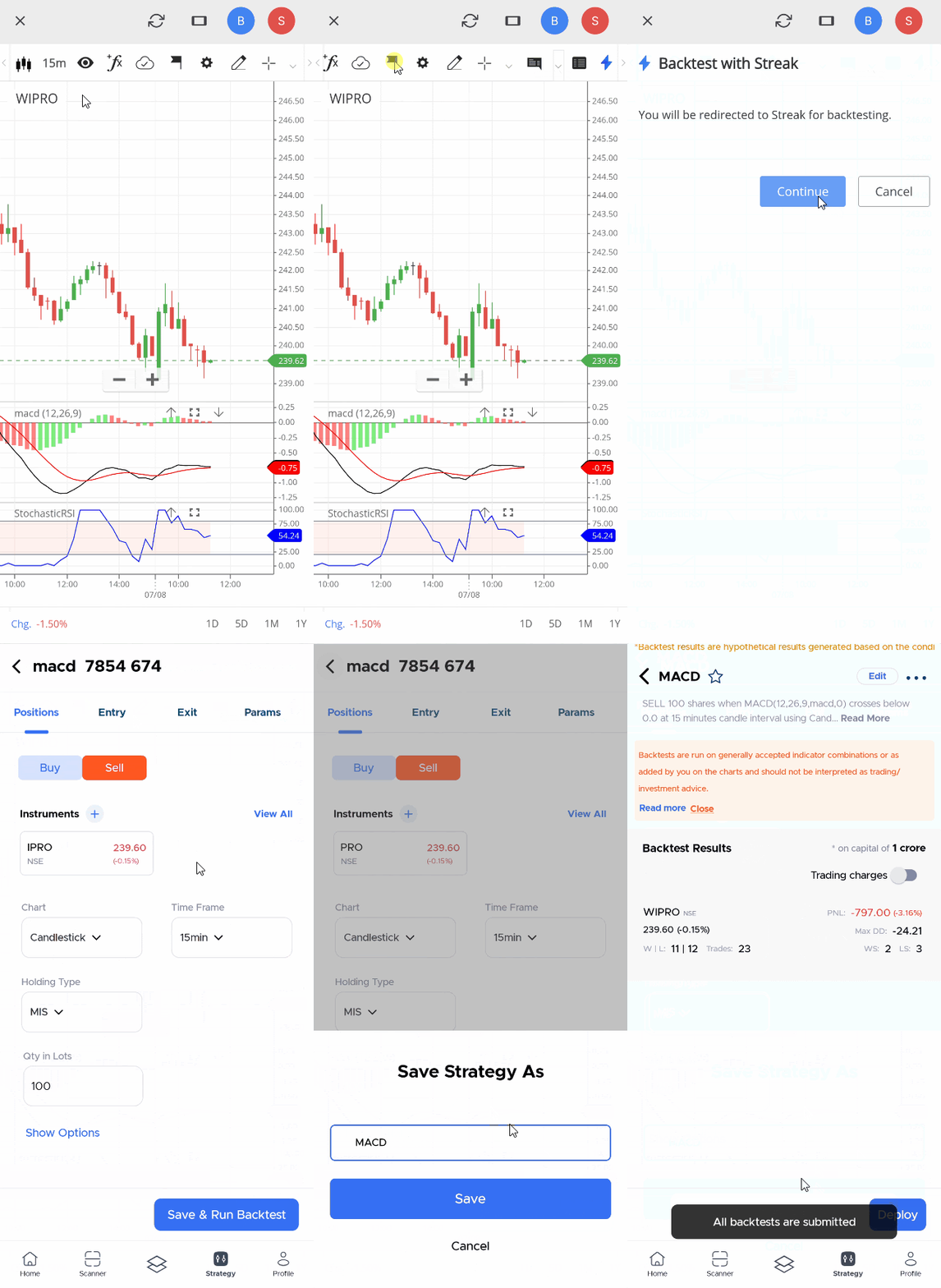
- Click on the Streak icon to start backtesting.
Kite web
Kite app
Supported indicators
You can backtest using these indicators:
- Money Flow Index
- ADX
- Moving Averages
- Williams %R
- Stochastics
- Moving Average Deviation
- Supertrend
- Bollinger Bands
- PSAR
- Pivot Points (Standard)
- Volume
- MACD
- CCI
- VWAP
- Detrended
- ATR
- Aroon
- Aroon Osc
- On Bal Vol
- Momentum Indicator (MOM)
- RSI
If you use an unsupported indicator, the system will perform your backtest based on price action strategy.
Supported timeframes and chart types
You can backtest on these timeframes: 1, 3, 5, 10, 15, 30 minutes, 1 hour, and day candles. If you run a backtest on an unsupported timeframe, the system will adjust to the nearest supported timeframe.
CTB works only with Candlesticks and Heikinashi chart types. If you select an unsupported chart type, the system will consider Candlesticks by default. For detailed information about CTB, visit help.streak.tech/ctb.
Things to keep in mind
- BSE and BCD (BSE Currency) segments are not supported.
- CTB is not trading or investment advice. Zerodha does not recommend any indicators or strategies. The CTB function on Kite charts helps you understand how an instrument has performed over time in a user-friendly format.