


You can view candle information on ChartIQ using three different display options: Heads-Up display, Dynamic callout, or Tooltip.
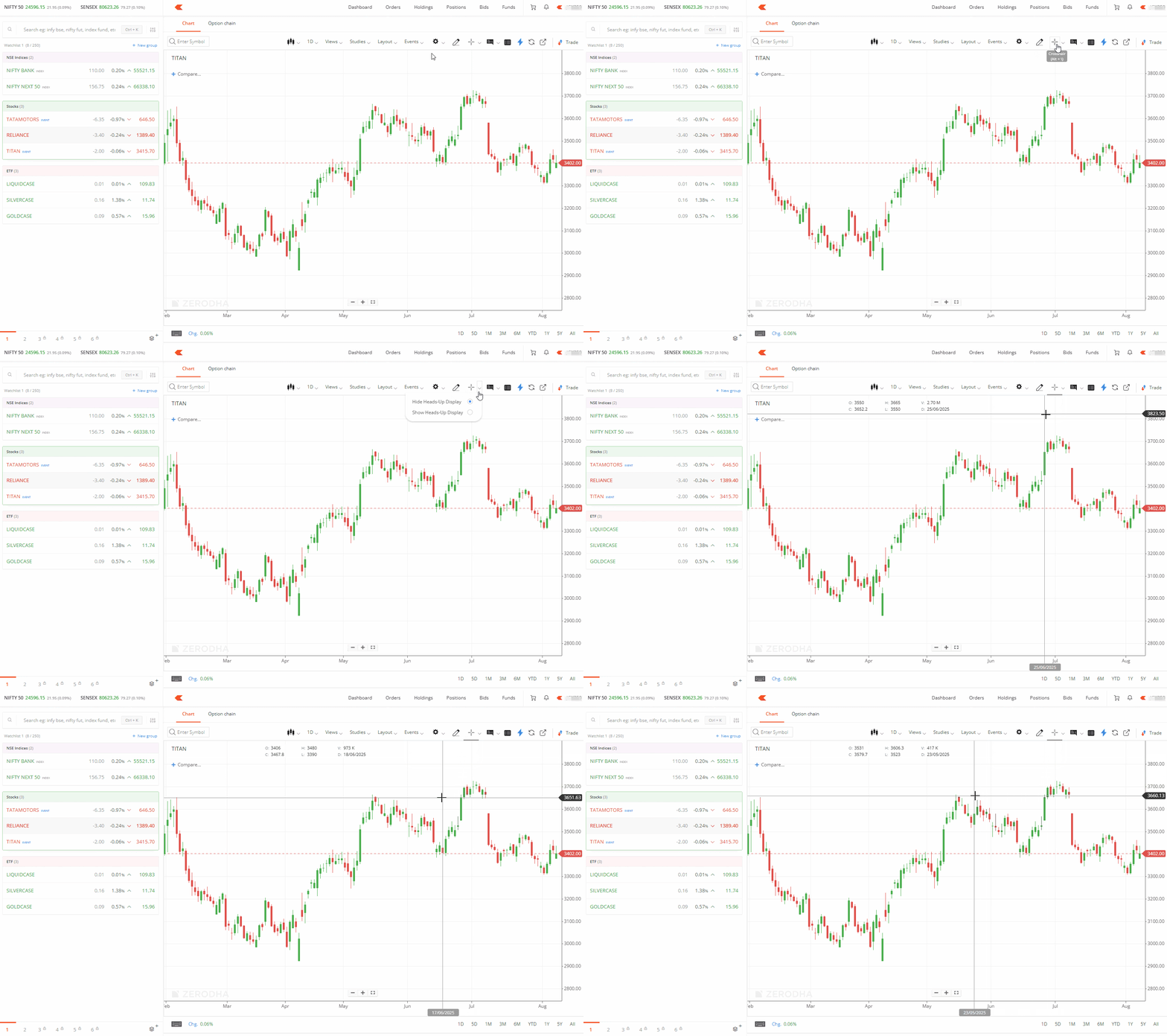
Heads-up display (static box)
- Click on the drop-down beside Crosshair.
- Click on Show Heads-Up Display.
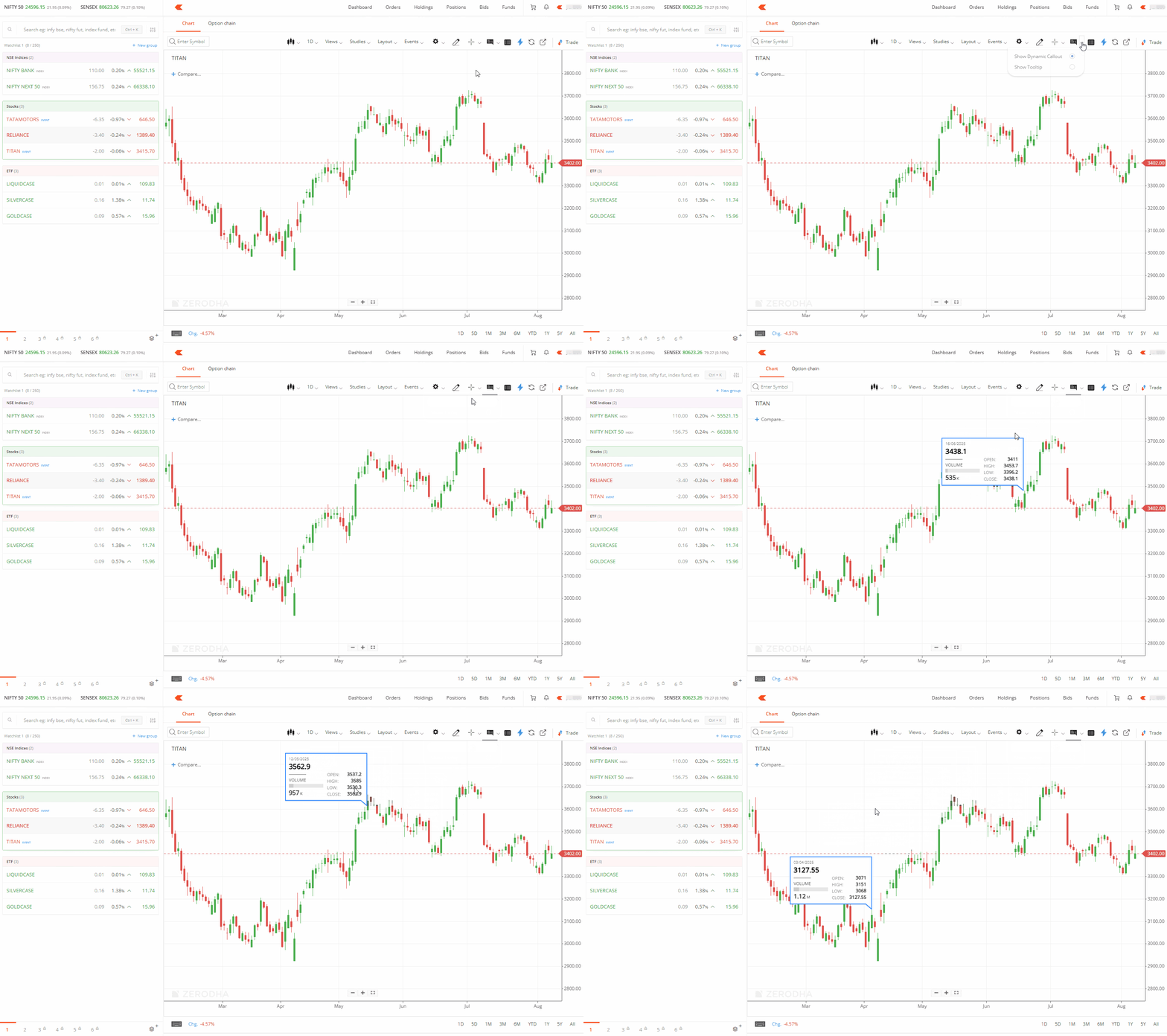
Dynamic callout (floating box)
- Click on the drop-down beside Info.
- Click on Show Dynamic Callout.
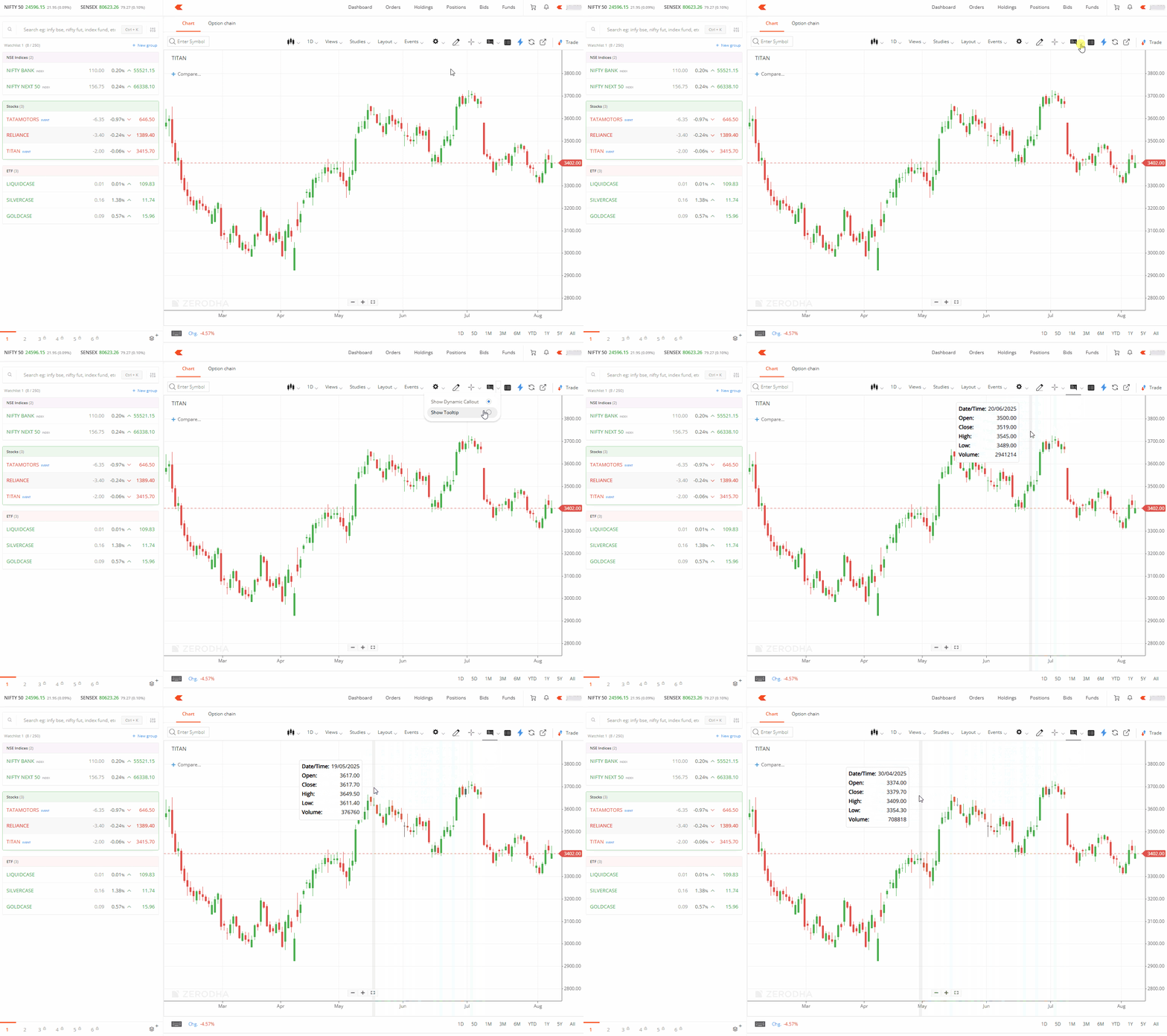
Tooltip (floating box)
- Click on the drop-down beside Info.
- Click on Show Tooltip.
How to disable display options
You can disable the dynamic callout or tooltip by clicking on the Info box.