


You can change the scales and axis on ChartIQ or TradingView charts.
ChartIQ
To change to log scale:
- Click on Settings.
- Click on Log Scale.
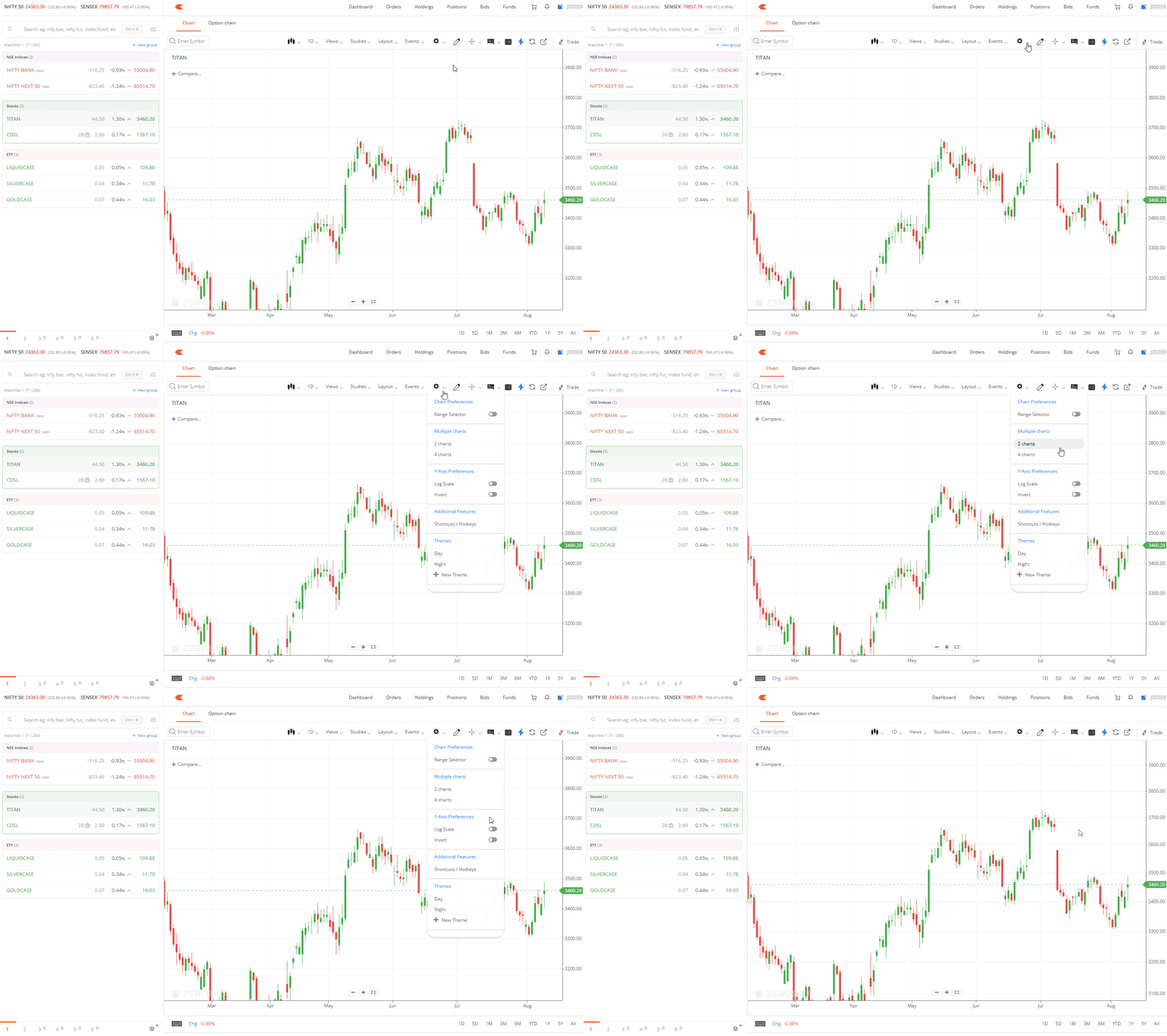
This switches your chart from the default linear scale to logarithmic scale for better price movement analysis.
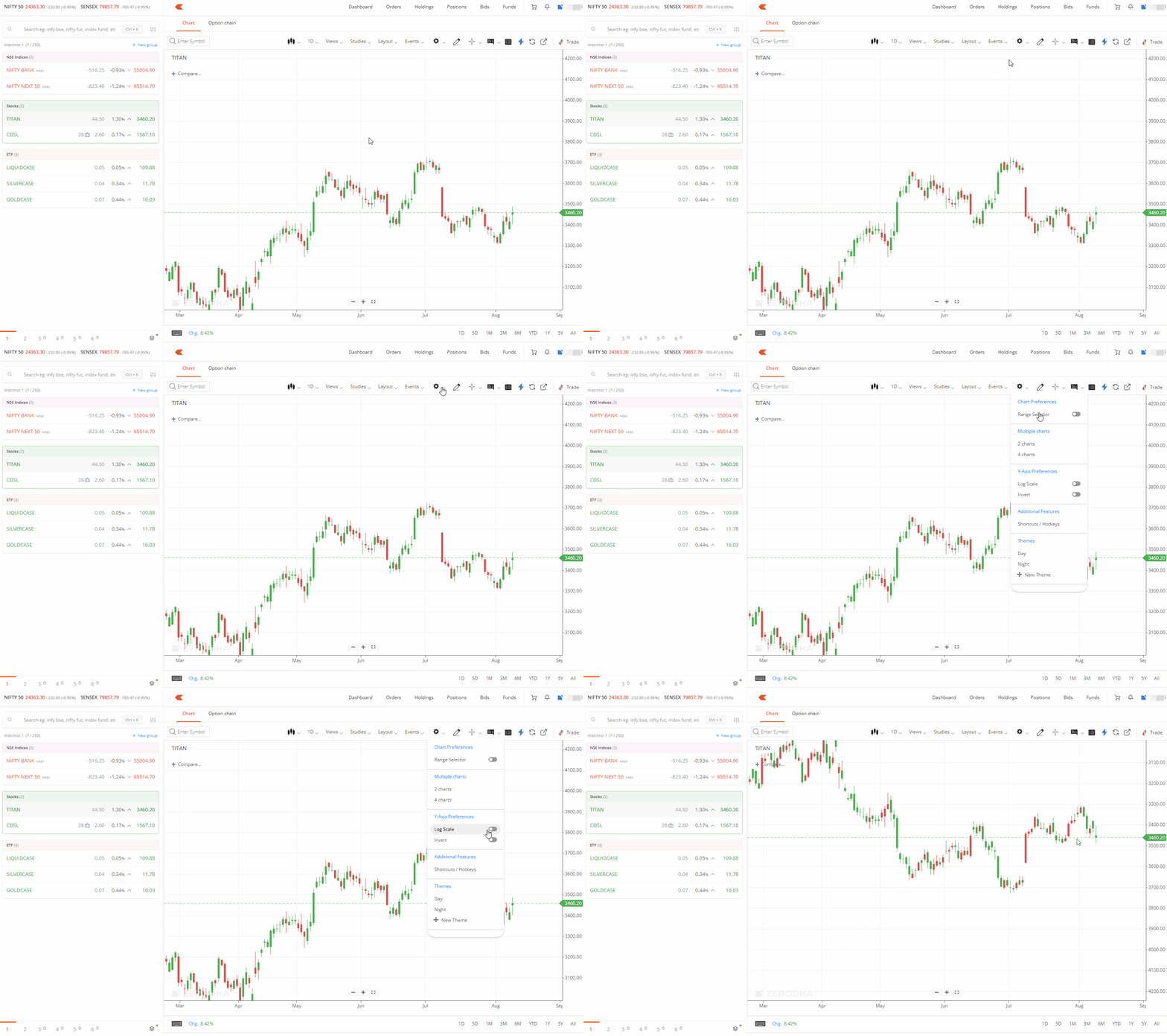
To invert the axis:
- Click on Settings.
- Click on Invert.
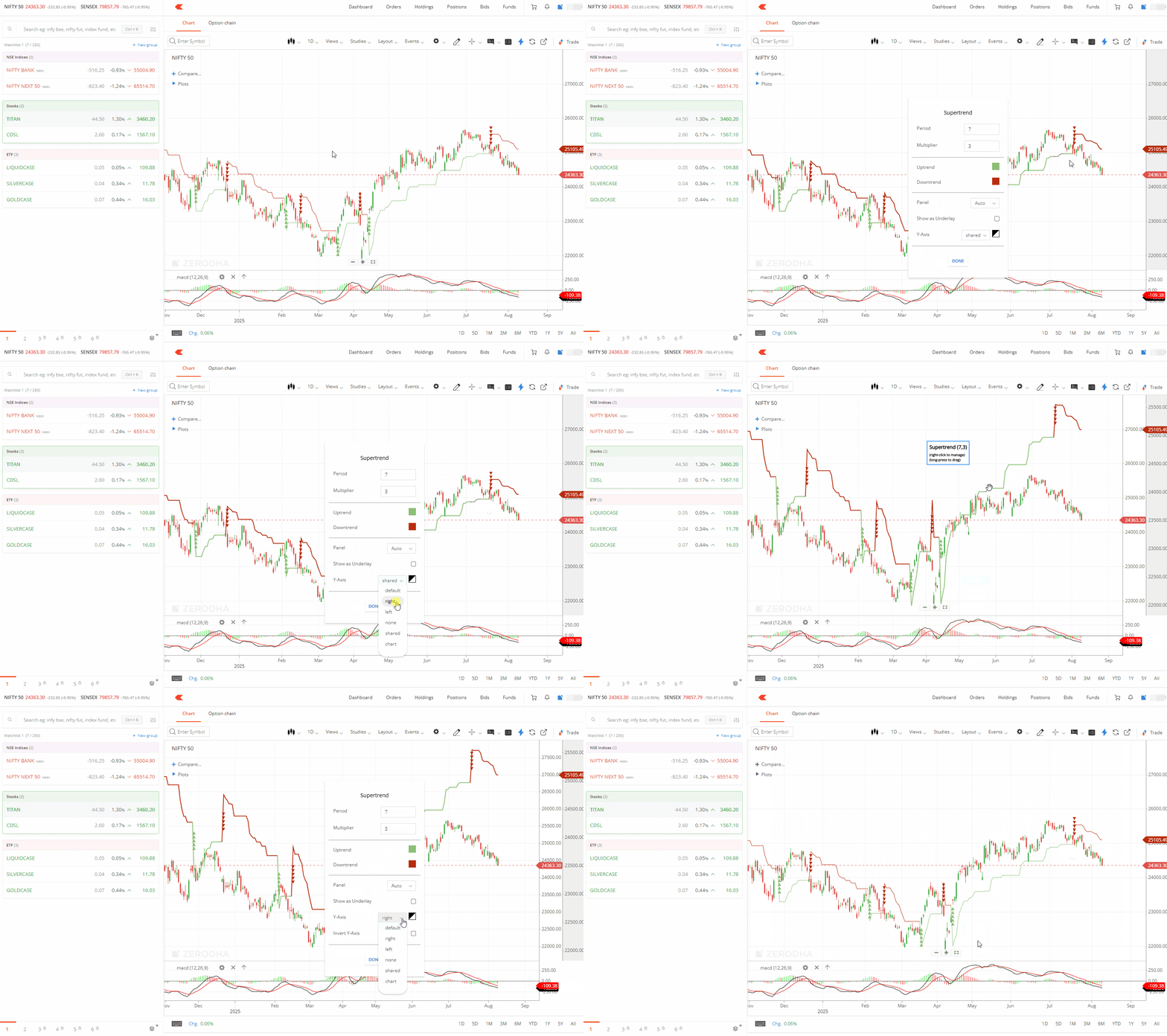
To invert the axis for indicators:
- Right-click on the indicator.
- Click on Edit Settings.
- Select your required Y-axis settings.
TradingView
To change scales, axis positioning, and invert scale:
- Click on Settings.
- Click on Scales.
-
Select either:
- Log Scale to switch from linear to logarithmic scale
- Left/Right Axis to change axis positioning
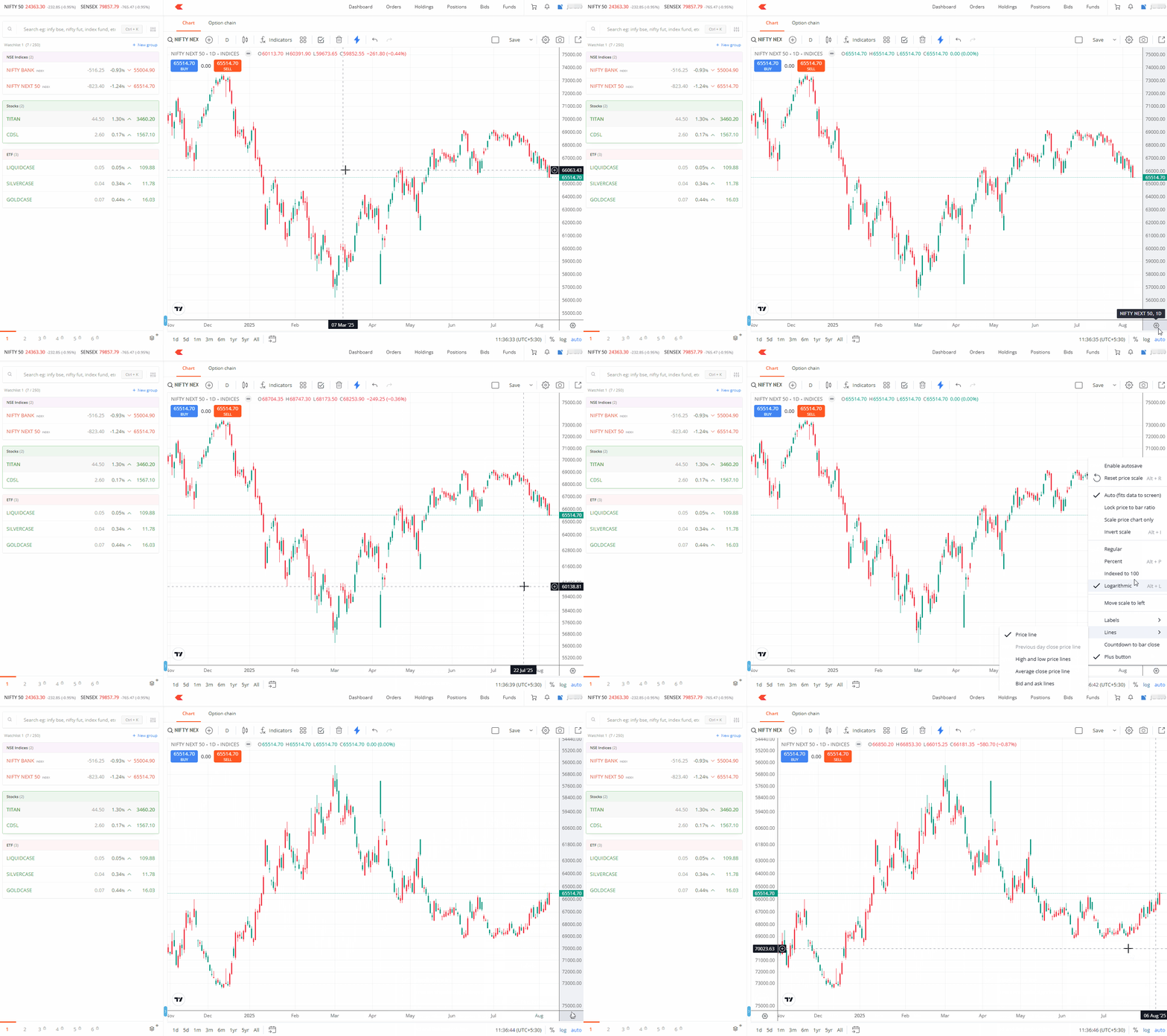
Your chart will immediately update to reflect the new scale and axis settings you have selected.