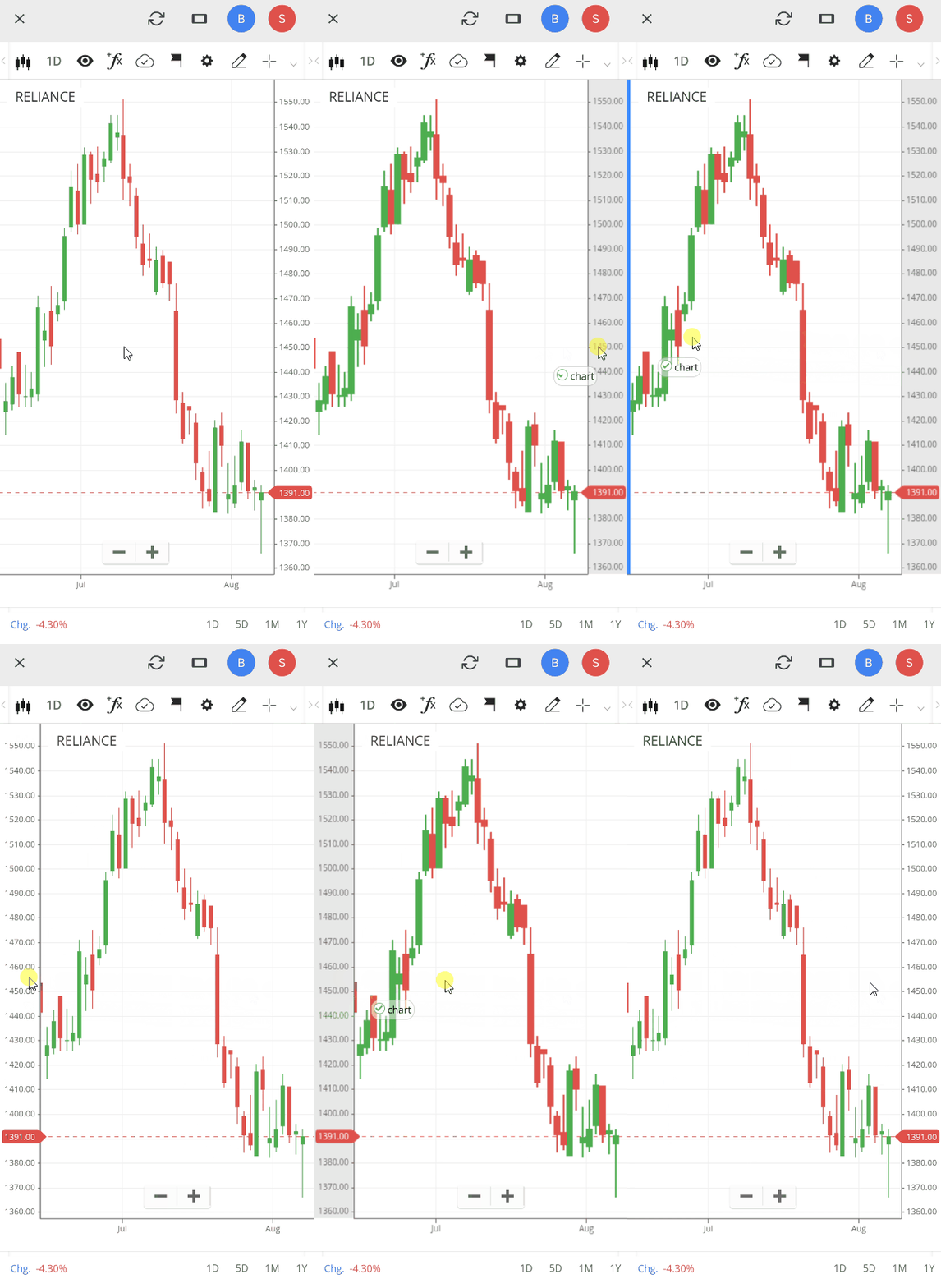
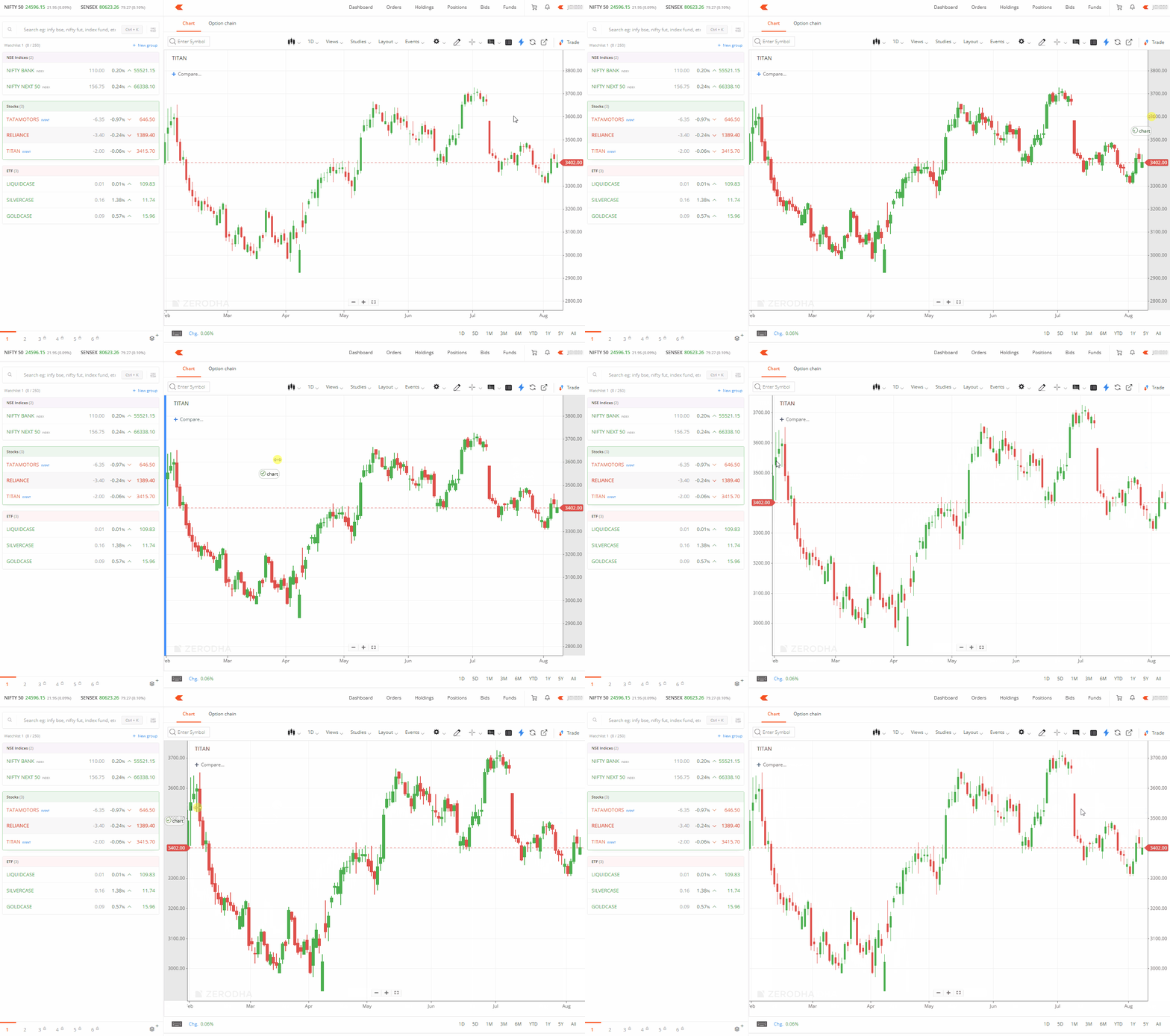
You can move the price scale to the left side of your chart by dragging and dropping it from its current position.
Kite web
- Click and hold on the price scale until a small chart pop-up window appears.
-
Drag and drop the price scale to the left side.
Kite app
- Tap and hold on the price scale until a small chart pop-up window appears.
-
Drag and drop the price scale to the left side.