


You can view up to 8 charts simultaneously on TradingView through Kite web by selecting a multi-chart layout.
Steps to set up multiple charts
- Click on Select Layout.
- Choose the number of charts you want to view (up to 8 charts).
- Click on each chart window and enter the instrument name.
- Click on Save.
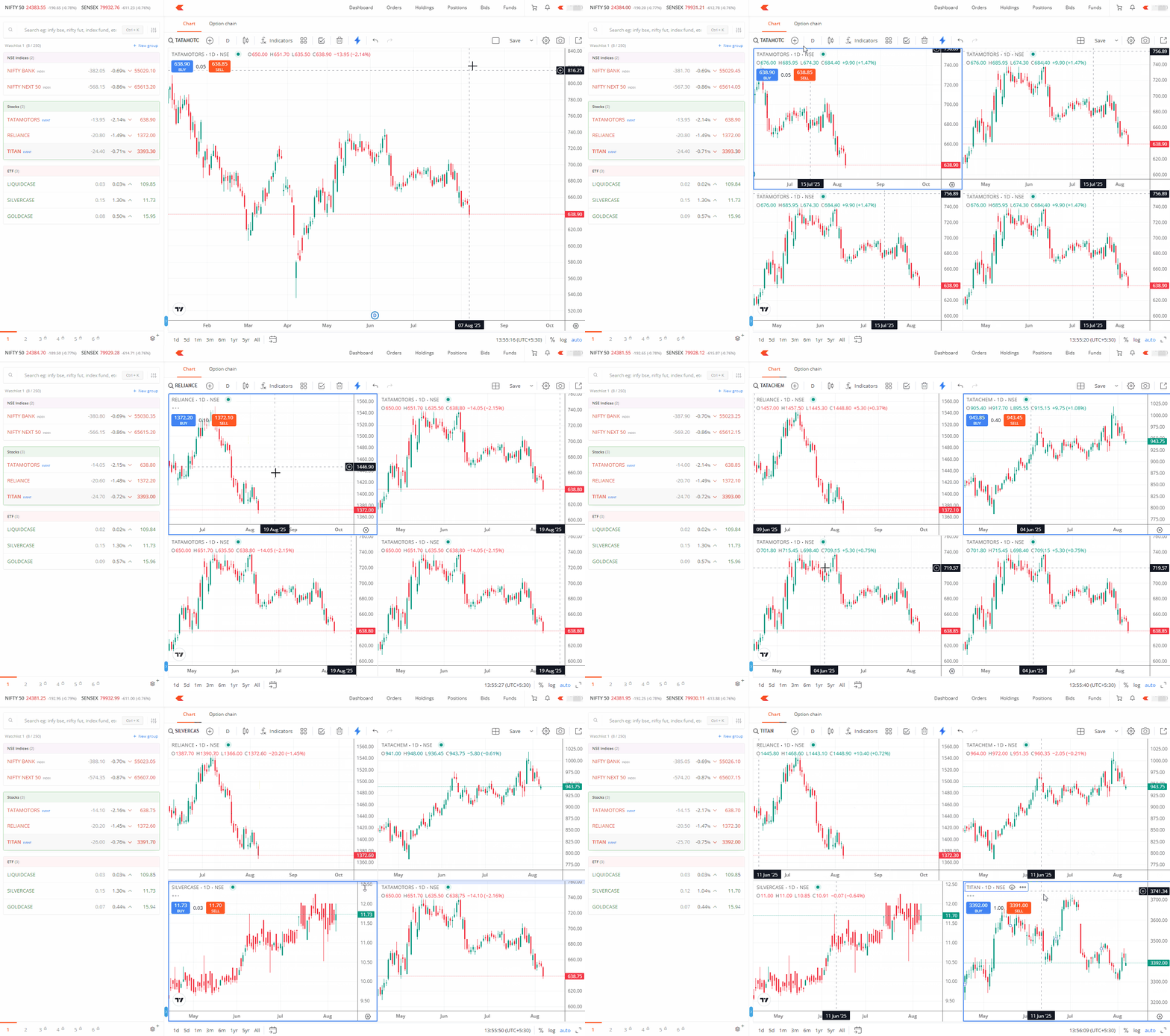
The instrument can also be added by clicking on the layout and then clicking on Chart on the instrument.
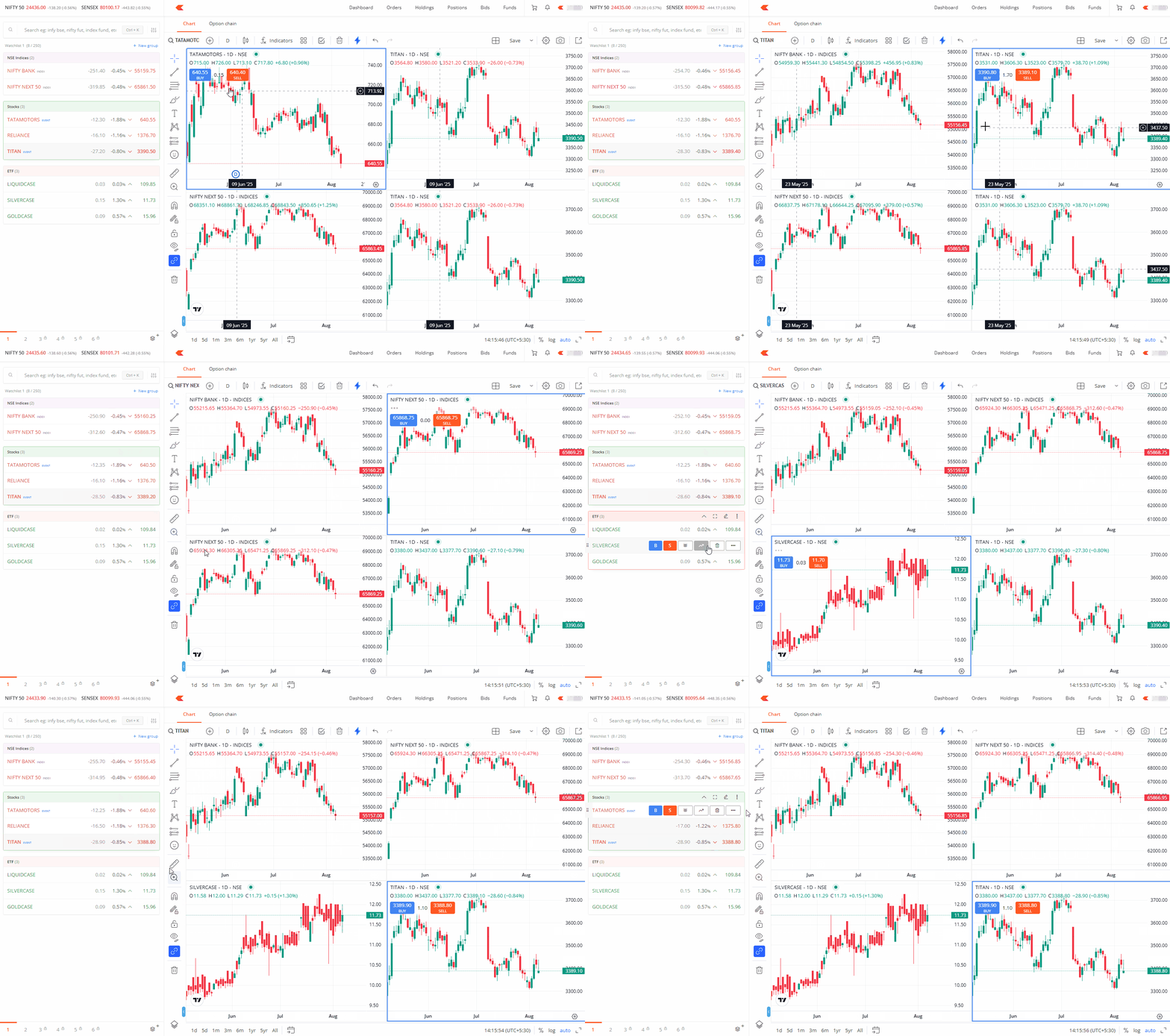
You can save multiple chart setup as a custom layout and reload it anytime.