


You see multiple charts opening in the day theme because Kite displays the day theme (default) when you have not saved your preferences. Single charts and multiple charts have different preference settings, so your single chart preferences do not apply to multiple charts.
How to change the theme on multiple charts
To set the night theme for multiple charts:
- Click on Settings.
- Click on Night.
- Click on Layout and then on Save preferences.
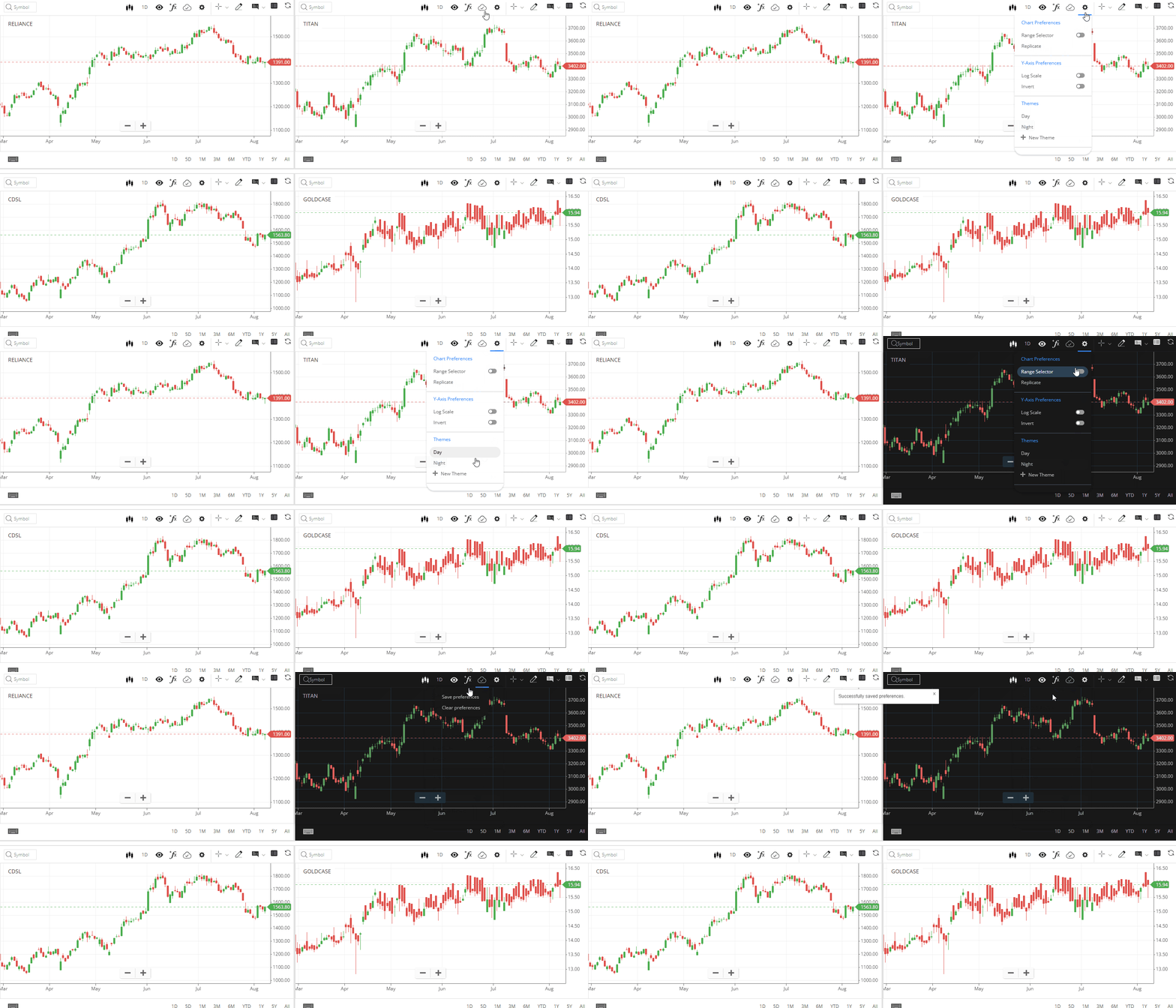
Your night theme will load the next time you open multiple charts. Ensure your browser zoom settings are at 100% to view all options like studies, views, drawings, and timeframes properly.