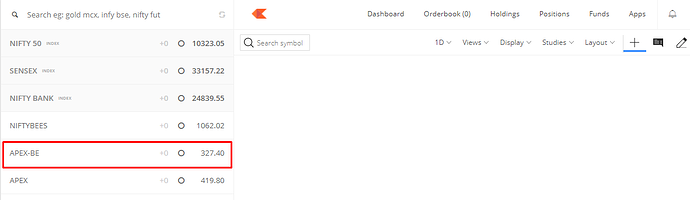
This issue occurs when a particular scrip has been moved from one series to another, and you place an order in a series in which the stock is not currently trading.
If you place an order for such stocks, this error message will be displayed: RMS: Lt rate not found for rule: Check price based on LTP for Buy and Sell Orders for entity account-[ID] across exchange across segment across product
Example scenario
Apex Frozen Foods was moved from the BE series to EQ and is trading as a stock in the EQ series. You can check this on the NSE website by searching for the instrument.
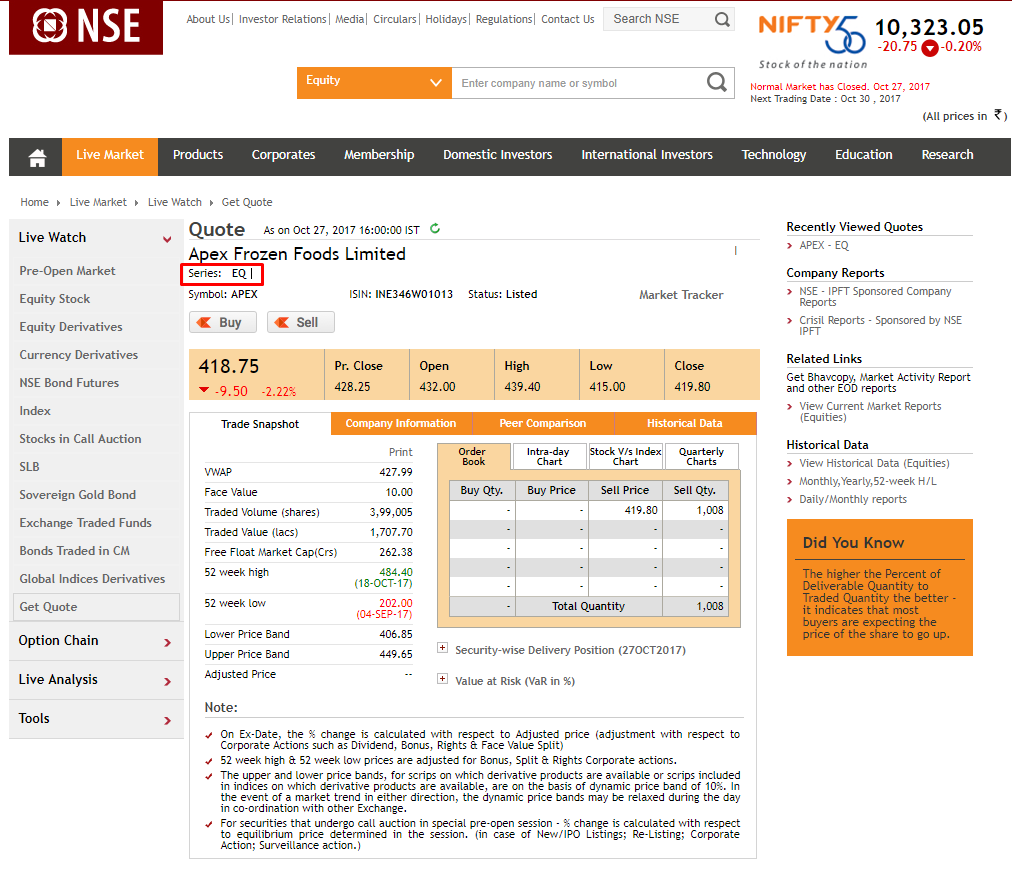
If you place an order in APEX-BE, the exchange will reject your order, and the above-mentioned error will be displayed. You can resolve this by placing the order in the current series under which the stock is trading, i.e. placing an order in APEX instead of APEX-BE.