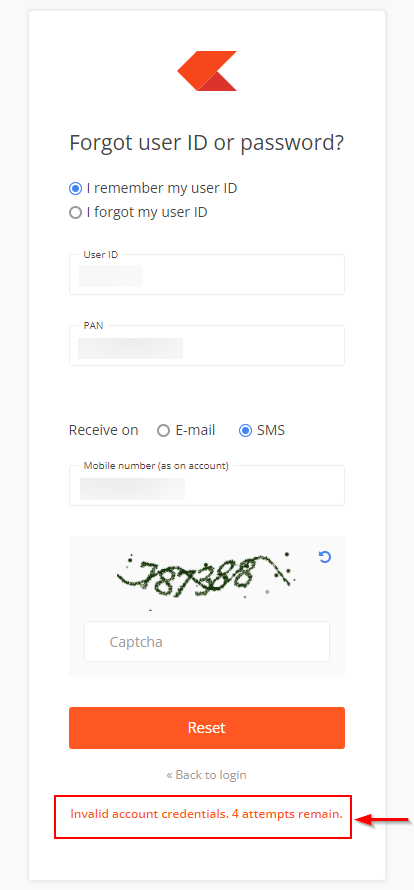
Your Kite account gets blocked after five incorrect password attempts. You can unblock it by resetting your password through the following steps:
- Visit Kite.
- Click on Forgot user ID or password?
- Enter the User ID and PAN.
- Select Receive on Email or SMS, enter the email ID and captcha, and click on Reset.
- Enter the OTP received on E-mail or SMS.
- Enter the new password and click on Continue.
-
Enable
two-factor authentication (2FA).

You may not receive the OTP if your mobile number is on DND (Do Not Disturb). Reset your password and 2Factor PIN using your registered email ID instead.
Invalid account credentials error
If you see "Invalid account credentials. N attempts remain" error, ensure you enter the correct User ID, PAN, registered email ID or mobile number. If you have forgotten your registered email ID or mobile number, you can update them by submitting the e-signed account modification form (PDF) by creating a ticket.