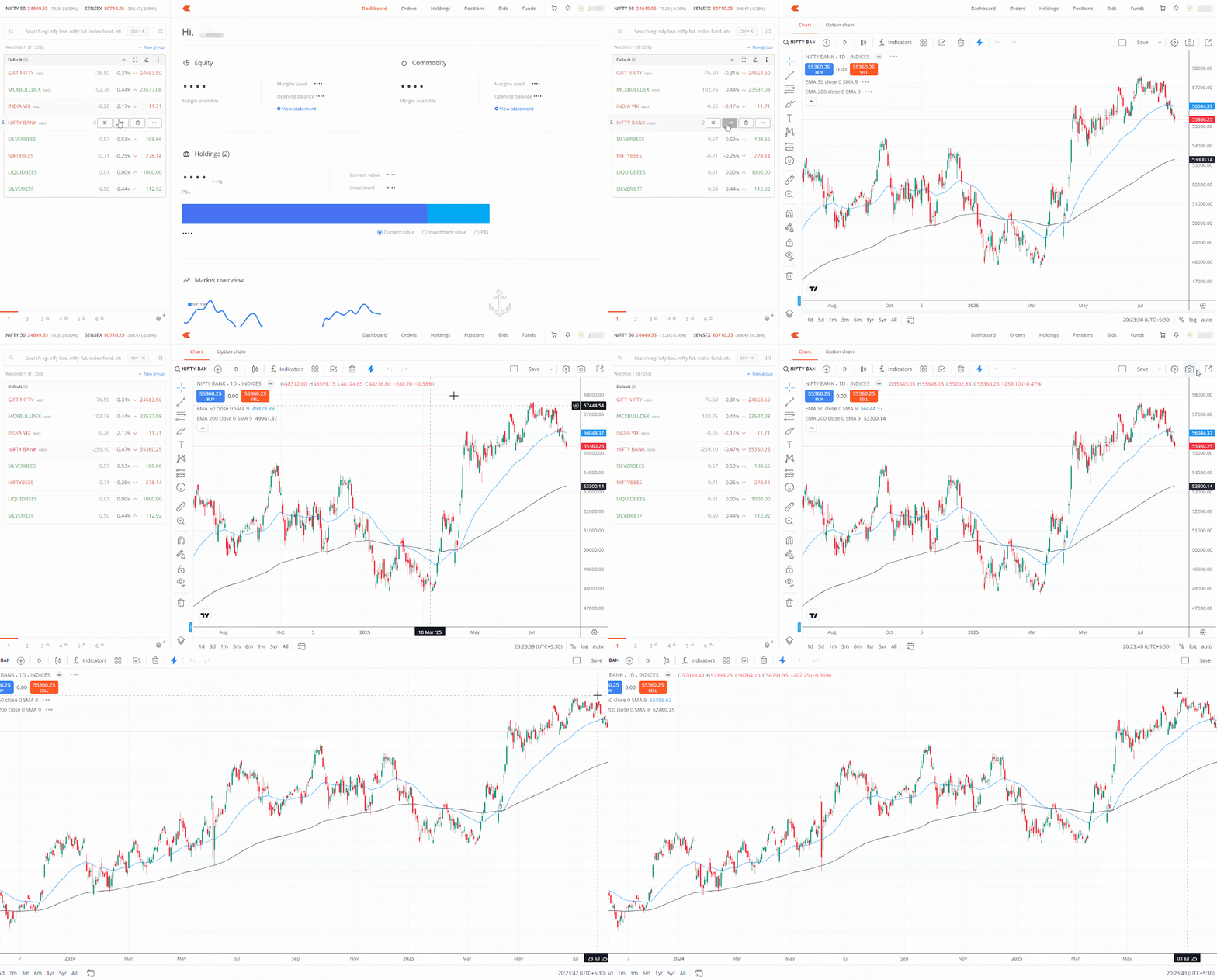
You can open a chart in a new tab by using the Popout option on Kite web.
From the marketwatch:
- Hover over the instrument.
- Click on the context menu button.
-
Click on the
Popout
icon.
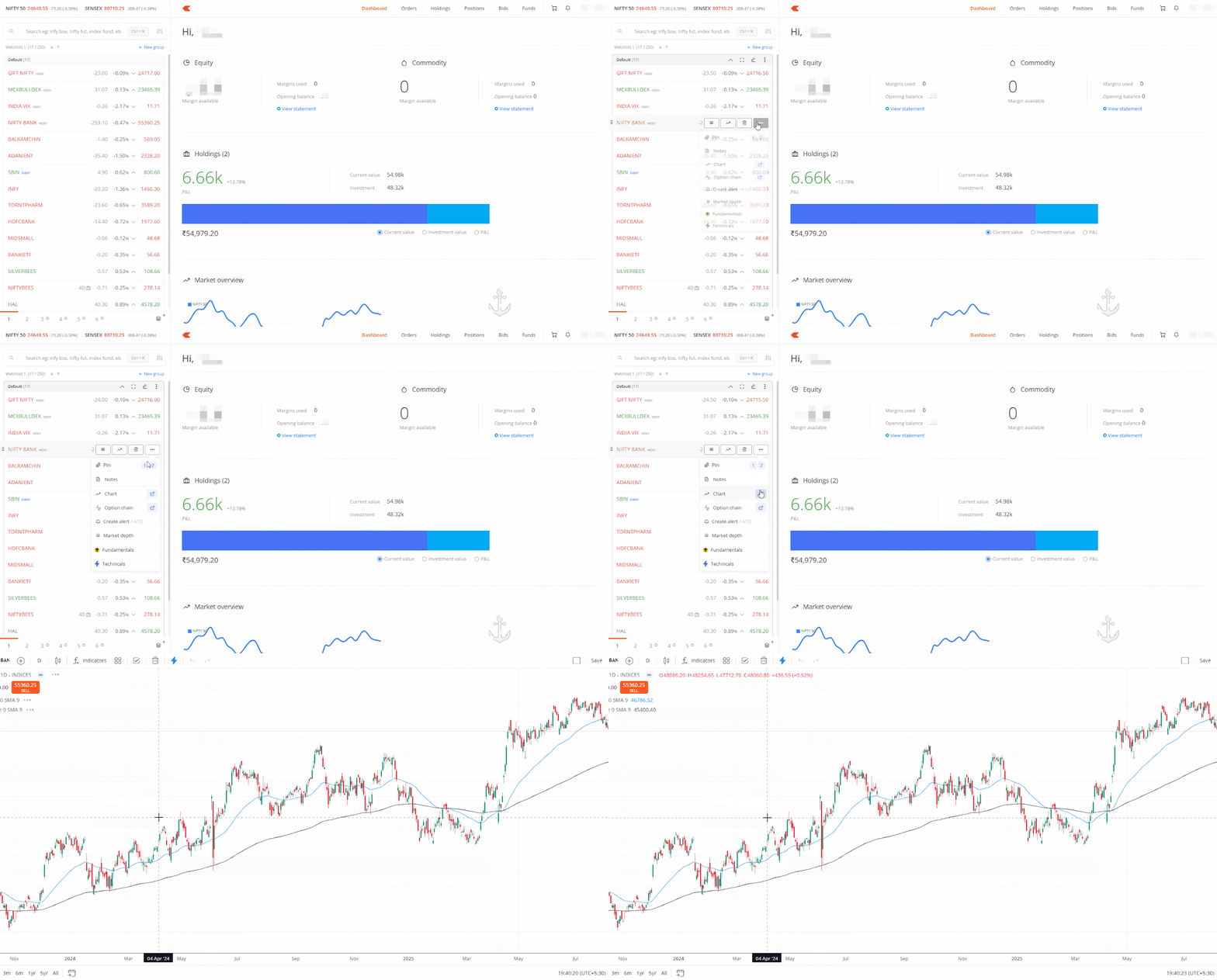
Alternatively, you can also click on the chart icon on the instrument and then on the
Popout chart
icon.