


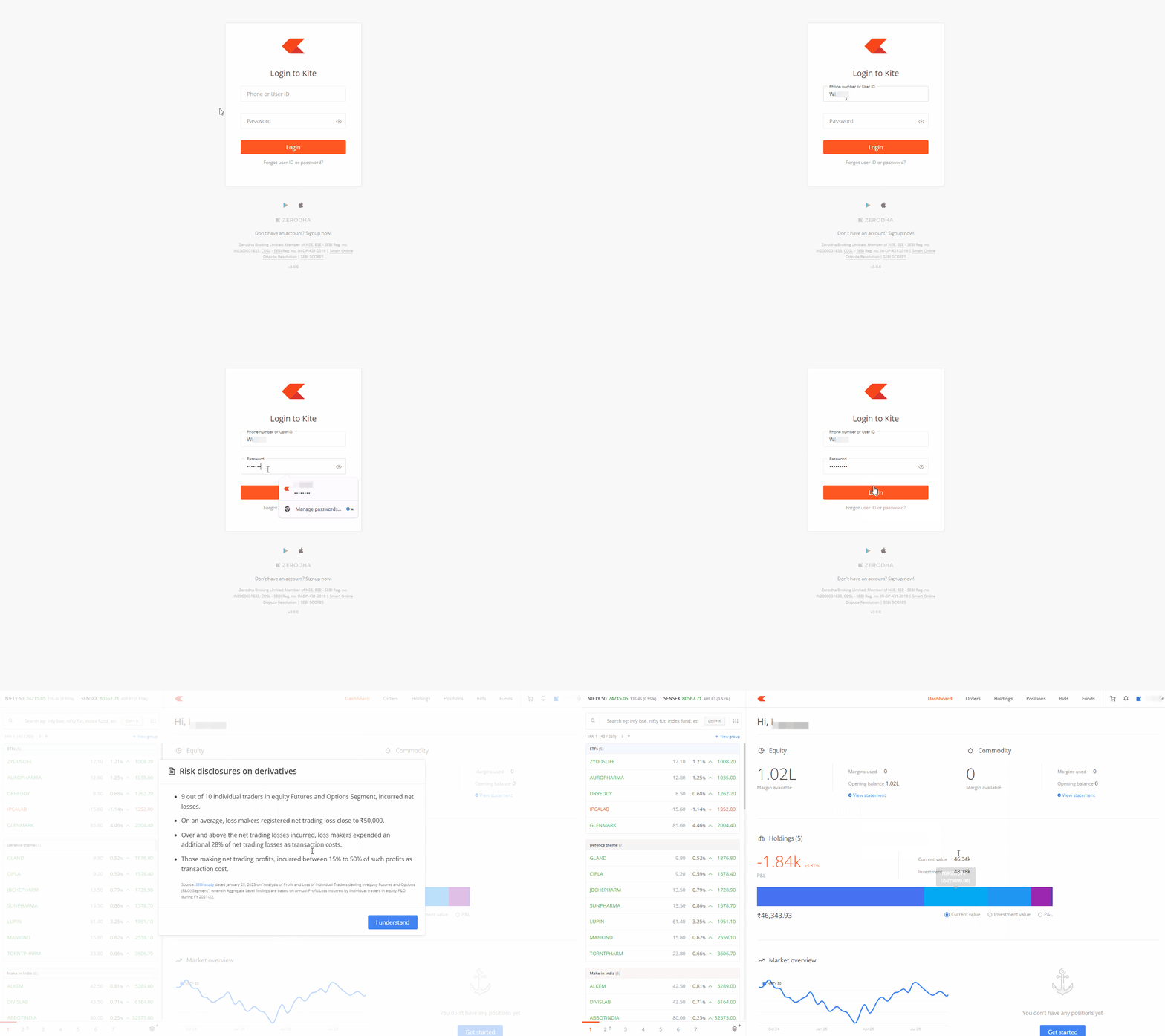
You can log in to Kite web by following these steps:
- Visit kite.zerodha.com.
- Enter the Phone number or User ID.
- Enter the password and click on Login.
- Enter the App code or External TOTP and click on Continue.
Things to keep in mind
- You must enter the mobile app code or 2FA within 5 minutes of entering your login credentials.
- If your phone number is linked to multiple Zerodha accounts, you cannot use it to log in. In such cases, you must enter your client ID to log in.
- If you have forgotten your password, you can reset your password.